The short answer
To advertise on YouTube in South Africa, you upload your video to YouTube, then create a Video or Demand Gen campaign in Google Ads, choose a goal, target your audience and set a daily budget. Depending on the format and bid strategy, you pay per qualifying view, per thousand impressions, or as Google bids for conversions.
Can South African businesses advertise on YouTube?
Yes. YouTube ads are not sold separately: they run through the same Google Ads account you would use for Search ads. Google's help pages on video ad formats and creating a Video campaign describe the standard formats without any country restriction, and you can target South Africa, a province or a radius around your business.
Two exceptions are worth knowing. The YouTube Masthead (the big banner on the YouTube home page) is reserved and set up with help from a Google representative. And Google's own planning tool, Reach Planner, "isn't available in all regions", so a South African account may not see it. Everything else in this guide works from a normal self-service account.
What YouTube ad formats can you use?
There are six main formats, and the big difference between them is whether people can skip and how you are charged. This summary comes from Google's video ad formats page and its cost-per-view bidding page.
| Format | How it works | When a view is counted (CPV bidding) |
|---|---|---|
| Skippable in-stream | Plays before, during or after other videos; viewers can skip after 5 seconds | 30 seconds watched (or the whole ad if shorter), or a click, whichever comes first |
| In-feed | A thumbnail and text in YouTube search results, the home feed and next to related videos | A click on the thumbnail, or 10 seconds of autoplay |
| YouTube Shorts | Shows between Shorts in the vertical, mobile feed | 10 seconds watched, or a click on the call to action |
| Non-skippable in-stream | Viewers must watch the whole ad (60 seconds or shorter) | Not a view-based format: billed per impression |
| Bumper | A 6-second ad that can't be skipped | Not a view-based format: billed per impression |
| Masthead | Top of the YouTube home page | Reserved through a Google representative |
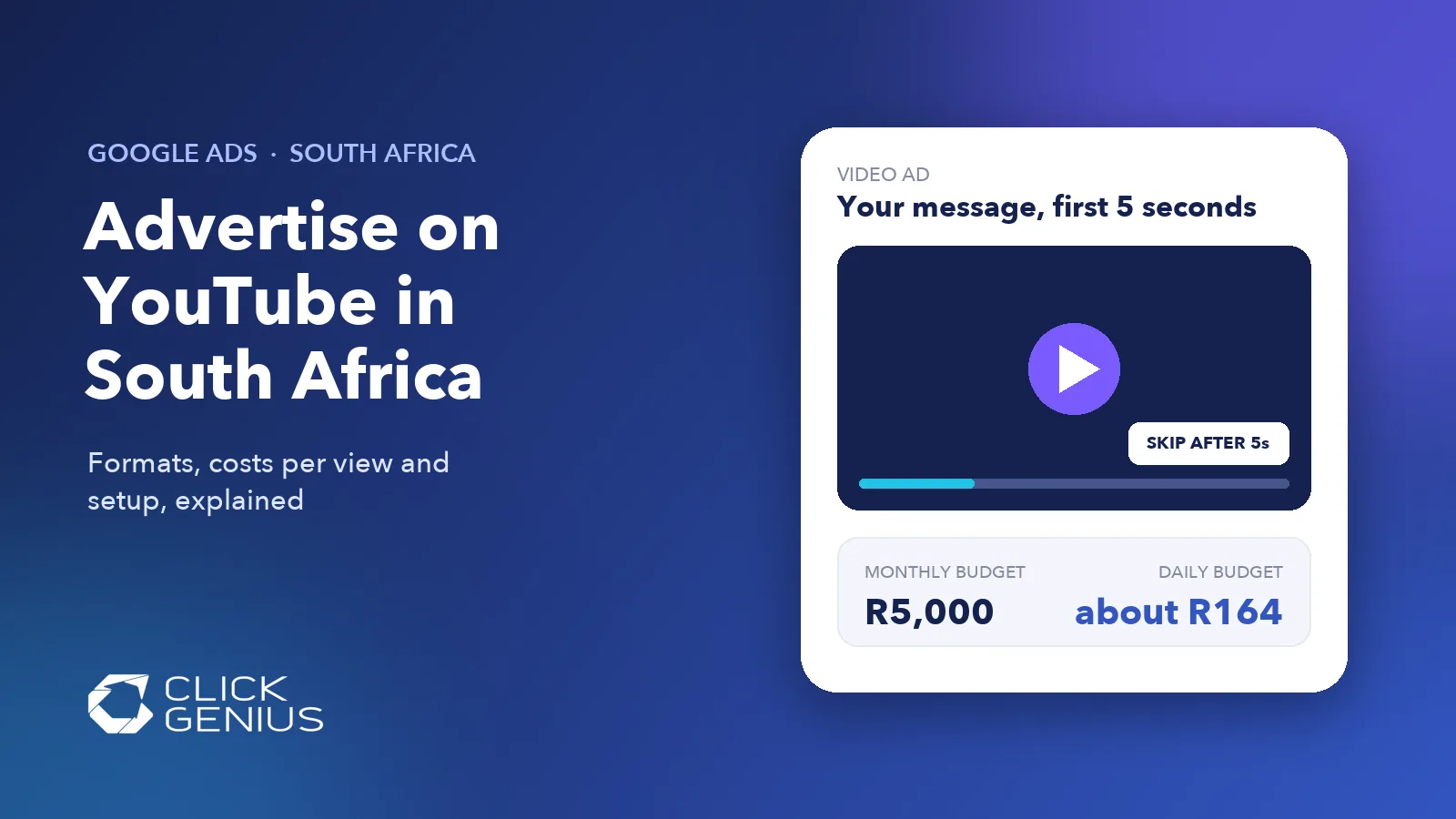
The practical point for a South African business: with a skippable ad on cost-per-view bidding, someone in Durban who skips after six seconds costs you nothing, but they still saw your logo and your opening line. That is why the first five seconds of the video matter more than anything else in it.
Which YouTube campaign should you choose?
Pick the campaign by the result you want, not the format you like. In Google Ads, the goal you choose decides which campaign subtypes, formats and bid strategies are available.
Google's Video campaign guide lists the options. Under Sales, Leads or Website traffic you get the Drive conversions subtype, which uses Maximise conversions or target CPA bidding and requires conversion tracking in your account. Under "YouTube reach, views, and engagements" you get Video views (target CPV), Ad sequence and Video reach (target CPM), none of which require conversion tracking.
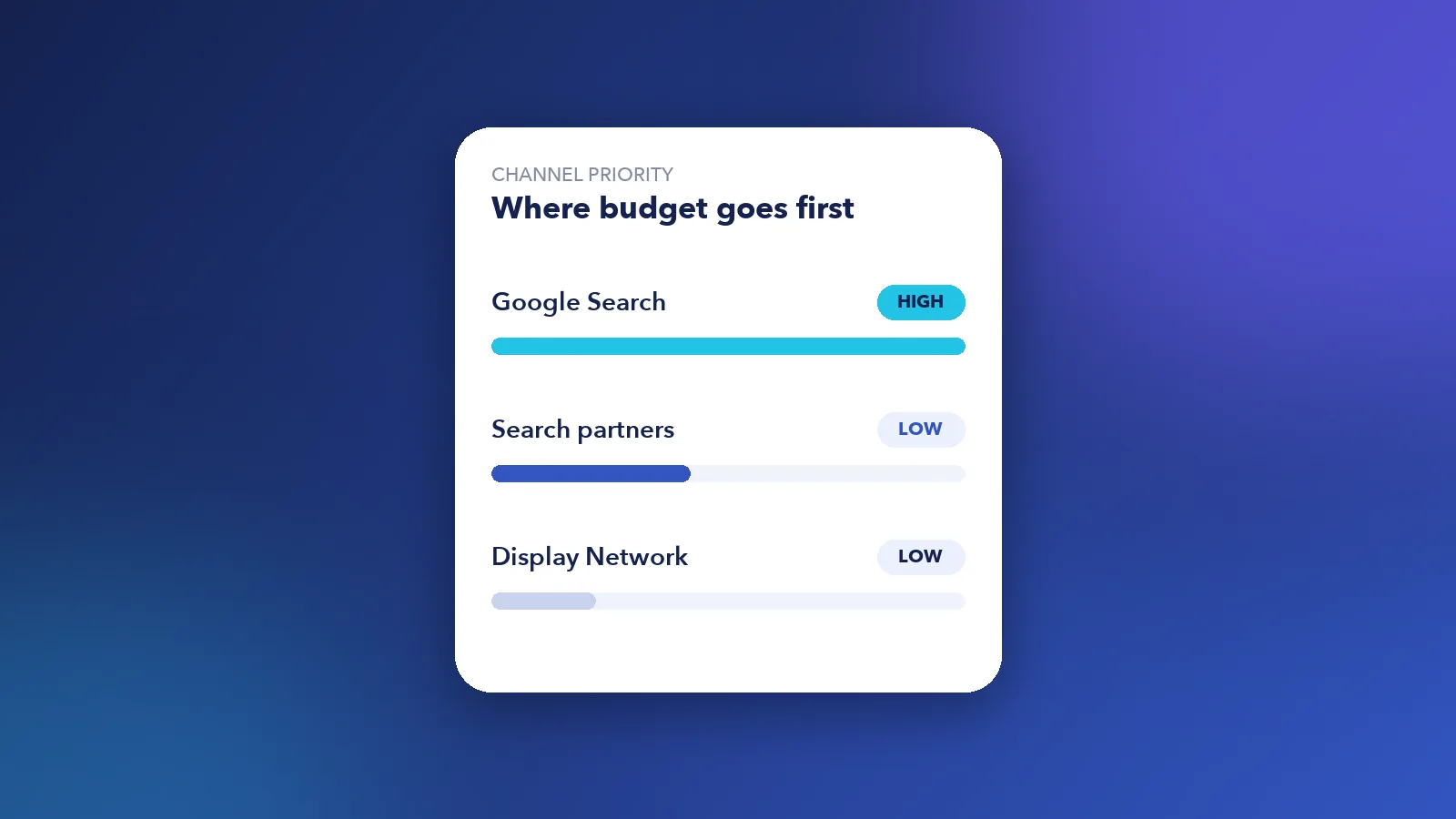
Demand Gen campaigns are the other route. They run on YouTube (including Shorts), Discover, Gmail and the Google Display Network, and since June 2026 Google has been moving Display campaigns into Demand Gen. If you also want to control which of those channels gets priority, our post on Google Ads channel prioritisation explains the new settings.
A simple rule of thumb: a Pretoria solar installer that wants quote requests should start with a conversion-focused campaign. A Cape Town wedding venue launching a new video tour may get more from a Video views campaign first, then show Search or Demand Gen ads to the people who watched.
How much does YouTube advertising cost in South Africa?
There is no fixed price list. You choose a daily budget, set a bid strategy, and the auction decides what each view or impression costs. Google does not publish average South African cost-per-view rates, and the rand ranges you will see on agency sites rarely say where they come from, so treat them as anecdotes rather than benchmarks.
What Google does publish is how your budget behaves. Per its average daily budget rules, a campaign can spend up to twice its daily budget on a busy day, but over a month it will not spend more than 30.4 times the daily amount. So:
- R5,000 a month works out to a daily budget of about R164.
- R10,000 a month works out to a daily budget of about R329.
For the cost per view itself, use the estimates Google shows on the right of the screen while you build the campaign. Google's CPV bidding page warns that a bid set too low will stop your campaign from competing in the auction. After the first two weeks, your own account data is a far better guide than any published average. Our Google Ads pricing guide for South Africa covers how to set a starting budget across Search and video.
Our free Google Ads audit checks where your video budget is showing, whether views are turning into leads and whether your conversion tracking can be trusted. You get it within 48 hours.
How do you set up your first YouTube ad campaign?
It takes six steps, and most of the work happens before you open the campaign builder.
- Upload your video to YouTube. Google's skippable in-stream ads page says the video must be public or unlisted. Unlisted works, but the ad won't show your channel name or logo.
- Link your YouTube channel to Google Ads. This lets you build audiences of people who watched your videos or visited your channel, and show them ads later.
- Set up conversion tracking for form fills, calls or WhatsApp clicks if you want leads or sales. Without it, Google can only optimise for views. Our Google Analytics and tracking setup service handles this.
- Choose the goal and campaign type using the diagram above.
- Set targeting. Google's Video targeting page lists the options: locations, demographics, interests, in-market segments, custom segments built from what people searched on Google, your own data, and placements such as specific YouTube channels. A Johannesburg kitchen renovator could target homeowners in selected suburbs plus people who recently searched "kitchen renovation".
- Set the budget and bid, then check the placement and search terms reports after a week.
If you upload a customer list for Customer Match, make sure you have a lawful basis to use those contacts for marketing under POPIA, and remember that location targeting combines with your audiences: a Gauteng location plus a remarketing list reaches only people who are both in Gauteng and on the list.
What are the most common YouTube advertising mistakes?
Most wasted YouTube spend comes from the video and the tracking, not the targeting. These are the ones to check first:
- A slow opening. If the brand and the offer only appear after 20 seconds, most people skip before they see them.
- Judging success by views alone. Views are cheap; quote requests and sales are what pay the bills. Track the actions that matter.
- No conversion tracking, so Google optimises for the cheapest views instead of the people likely to buy.
- Sending viewers to the home page instead of a landing page that matches the video's offer.
- Never checking placements. Ads can also run on Google video partners outside YouTube. Look at where your budget went and exclude placements that don't suit your brand.
New to the platform overall? Our plain guide to how Google Ads works explains the auction behind every view and click.
Frequently asked questions
Can South African businesses advertise on YouTube?
Yes. YouTube ads run through Google Ads, and the standard formats are available to self-service accounts with targeting by country, province or radius. Only the Masthead needs a Google representative.
How much does YouTube advertising cost in South Africa?
There is no fixed price. You set a daily budget and the auction sets the cost of each view or impression. For example, a R5,000 monthly budget means a daily budget of about R164, because Google caps monthly spend at 30.4 times the daily budget.
Do I pay if someone skips my YouTube ad?
Not with cost-per-view bidding on a skippable in-stream ad. You pay when someone watches 30 seconds (or the whole ad if it is shorter) or clicks. With CPM or conversion-based bidding you pay for impressions instead, skipped or not.
Do I need a YouTube channel to run YouTube ads?
Yes, in practice. The video has to be uploaded to YouTube as public or unlisted, which needs a channel. Linking that channel to Google Ads also lets you remarket to people who watched your videos.
Is YouTube advertising better than Google Search ads?
They do different jobs. Search ads reach people already looking for what you sell, so they usually bring leads faster. YouTube builds awareness and demand, and works best alongside Search rather than instead of it.
The take-away
YouTube advertising is open to any South African business with a Google Ads account and a decent video. Choose the campaign by the result you want, get conversion tracking working before you chase leads, put your message in the first five seconds, and judge it by enquiries rather than views.
Want help getting there? Get a free Google Ads audit, see our Google Ads pricing in South Africa, or find out how our Google Ads management covers YouTube and Search together.