The short answer
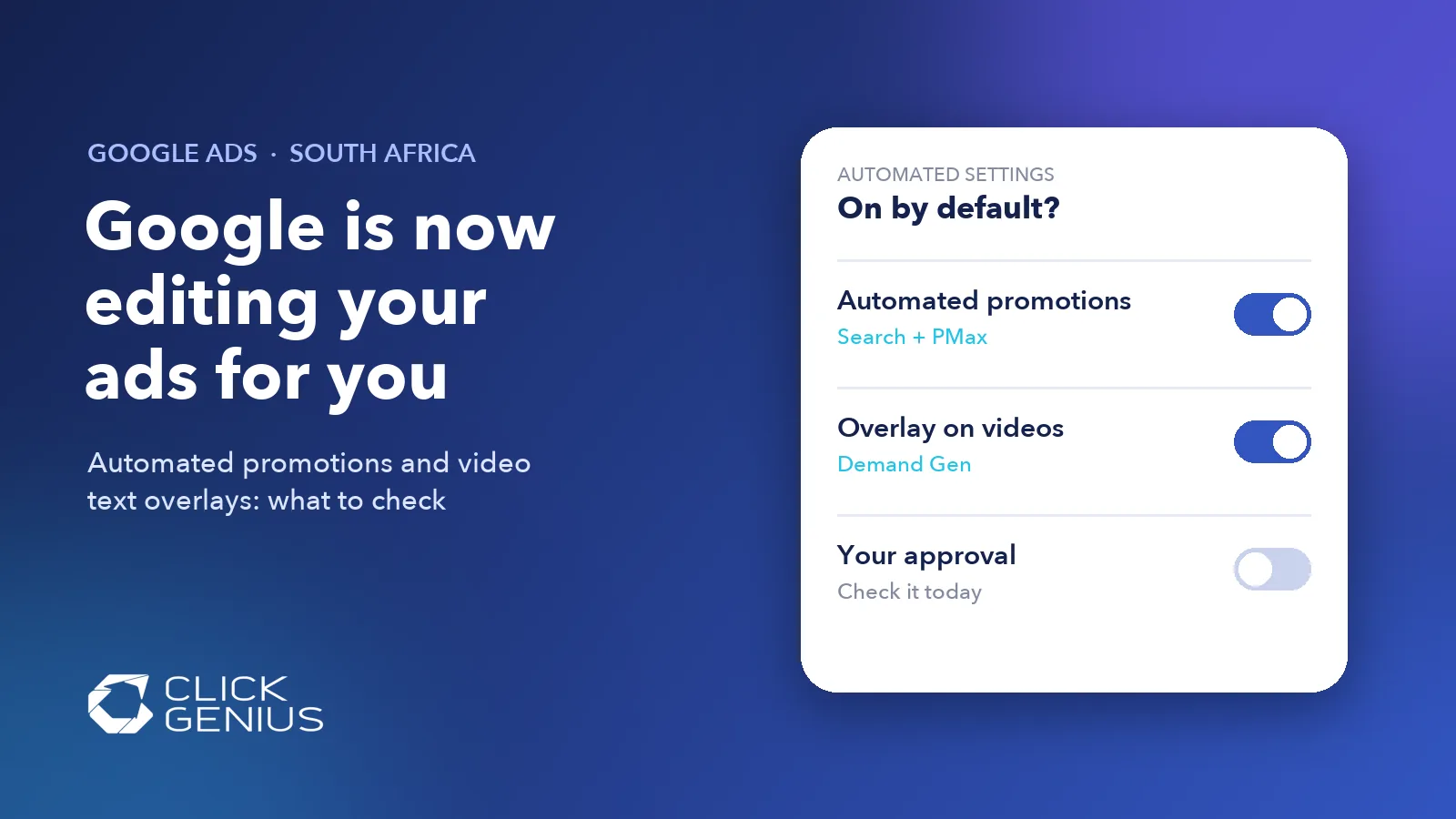
Google Ads automated promotions let Google find deals on your website, such as "10% off" or "buy one get one free", and show them in your Search and Performance Max ads without you creating a promotion asset. Google's email to advertisers says the feature switches on automatically from 12 October 2026 unless you turn it off. Check it at account level today, along with the new Demand Gen video text overlay setting.
Does this apply in South Africa?
Very likely, yes, but check your own account. None of Google's help pages for automated promotions, account-level automated assets or Demand Gen creative enhancements lists country restrictions, so we have no reason to think South African accounts are excluded. Google's notice reportedly went to "some advertisers", so not every account will be enrolled. The only reliable answer is the setting in your account, and the check below takes ten minutes.
What changed
Two separate settings now let Google change what your ads say, and both appear to start switched on. Neither stops your campaigns running, which is why they are easy to miss.
1. Automated promotions in Search and Performance Max
Google's help page says it "identifies and sources promotions from your website landing pages" and attaches them to active Search or Performance Max campaigns that have location assets (including local ad campaigns) and no manual promotions running. According to the help page, each automated promotion serves for less than 24 hours and is only re-enabled if Google can still see the offer on your site.
The help page describes the setting as something you turn on, with "On (recommended)" as the option. The default-on change comes from Google's email to advertisers, published by Search Engine Roundtable on 5 October 2026 and covered by PPC Land. That email says Google will start to "automatically identify and extract high-quality promotions, such as coupons and deals, from your website" from 12 October, and that you can opt out at account level.
2. "Overlay on videos" in Demand Gen
A new option in Demand Gen's asset optimisation panel, labelled "Overlay on videos" and described as "Add key messaging with text assets on videos", lets Google place your headlines and descriptions as on-screen text over your video ads. It was reported on 9 October 2026 by PPC News Feed and Search Engine Land, which both say it appears to be on by default. We have not found a Google help page or announcement for this setting yet, so treat the default state as reported, not confirmed.
It joins features Google already documents as on by default for new Demand Gen campaigns, including resized and shorter versions of your videos, auto-generated videos and animated images.
Why it matters for South African businesses
The risk is not that these features are bad. The risk is that your ads start saying things you did not choose, and nobody in your business notices. Here is where we expect that to bite South African advertisers.
- Old offers left on the website. A furniture store in Pretoria that still has a "Winter sale: R500 off" banner on a category page, or a Cape Town gym with last month's joining special on its landing page. Google says it only uses active, non-expired offers, but it decides what counts as active by reading your site.
- Black Friday and payday promotions. Black Friday falls on 27 November this year, and many South African retailers run month-end and payday weekend deals. If Google can read those offers, they may appear in ads that you never set up for a promotion, on dates you did not plan.
- Regulated and professional services. Dental practices, medical aesthetics clinics, law firms and financial advisers often have strict rules about how they advertise prices and discounts. An offer meant for one page could appear next to a keyword you would never pair it with.
- Your name is on the ad. South Africa's Consumer Protection Act 68 of 2008 deals with false and misleading representations to consumers. Customers see your business as the advertiser, whoever generated the asset; if you work in a regulated field, ask your adviser how this applies.
- Video creative you paid for. If your Demand Gen video already has on-screen text or a carefully placed logo, an automatic overlay can cover it or repeat it.
There is an upside too. Google adds these assets when it predicts they will improve performance, and for an online store with a clean, current sale page, leaving automated promotions on may be the right call. The point is to decide deliberately.
How to check your account in ten minutes
Open three screens: account-level automated assets, the assets report and each Demand Gen ad's asset optimisation panel. Google's help pages give these paths.
- Find the automated promotions switch. Go to Campaigns, then Assets. Open the three-dot menu, choose Account-level automated assets, then the three-dot menu again and Advanced settings. Look at the Automated promotions drop-down and note whether it says On or Off.
- Check which campaigns are eligible. Only Search and Performance Max campaigns with location assets and no manual promotion assets qualify. If you have a Google Business Profile linked, you probably have location assets.
- See what has already served. In the Assets report, filter by Asset type: Promotion and look at the Added by column. Anything marked "Google AI" was created automatically. PPC Land reports that offers with zero impressions do not appear in this list.
- Review the other automated assets (sitelinks, callouts, structured snippets, images, business information) in the same Advanced settings panel.
- Open each Demand Gen video ad. In the ad's asset optimisation section, look for Overlay on videos, Shorter videos and Resized videos, and untick the ones you do not want. Search Engine Land reports that "Disable all" switches off every video optimisation at once.
- Audit your website's offers. Remove or date every expired promotion banner, pop-up and coupon code, especially on pages your ads link to.
Our free Google Ads audit includes a check of every automated asset and creative setting in your account, so you know exactly what Google is allowed to change. You get it within 48 hours.
Should you switch these settings off?
It depends on how well you control what is on your website. Use this as a starting point, then judge by results.
| Your situation | Automated promotions | Demand Gen text overlay |
|---|---|---|
| Online store with a current, well-managed sale page | Consider leaving on, review weekly | Test it against a version without overlays |
| Service business with old specials still on the site | Switch off until the site is cleaned up | Leave on only if the video has no text of its own |
| Dental, medical, legal or financial services | Switch off and add promotions manually | Switch off and approve text yourself |
| Brand with strict creative guidelines | Switch off; use manual promotion assets | Switch off |
| Running a planned Black Friday campaign | Use manual promotion assets with start and end dates | Build the offer into the video instead |
Manual promotion assets are the safer route for planned offers, because you set the exact wording and the start and end dates. Google's own help page says to upload promotions manually when you need that control, and campaigns with manual promotions are skipped by the automated feature.
Whatever you decide, note the date so you can compare click-through rate and conversions before and after. Our guide to testing whether your Google Ads really work covers simple tests for smaller budgets.
What is still unclear
Three things are not settled yet. First, the default-on date comes from Google's email to some advertisers, not from the help page, which still describes the feature as something you opt in to. Second, Google has not published documentation for the Demand Gen "Overlay on videos" setting, so its default state and availability by country are based on what advertisers have reported seeing. Third, Google does not explain how it judges whether an offer is "valid" or "high-quality".
This is part of a wider pattern. Google moved Dynamic Search Ads into AI Max this year (see our post on the AI Max migration), and Performance Max can quietly take traffic from your Search campaigns (see Performance Max cannibalising Search). Together they mean an account left alone for a few months no longer runs the way it was set up.
Frequently asked questions
What are automated promotions in Google Ads?
Automated promotions are promotion assets that Google creates by reading offers on your website landing pages, such as discounts or "buy one get one free" deals. They can appear with your Search and Performance Max ads when the campaign has location assets and no manual promotions.
How do I turn off automated promotions in Google Ads?
Go to Campaigns, then Assets, open the three-dot menu and choose Account-level automated assets. Open the three-dot menu again, choose Advanced settings, set Automated promotions to Off and save. The setting applies to the whole account.
Are automated promotions available in South Africa?
Google's help page does not list any country restrictions, so South African accounts can be affected. Google's notice went to some advertisers rather than all of them, so check the Automated promotions setting in your own account to see whether it is on.
Will Google add text to my YouTube and Demand Gen videos?
It can. A new Demand Gen setting called Overlay on videos places text from your headlines and descriptions over your video ads, and early reports say it appears to be on by default. You can untick it in the ad's asset optimisation panel, or choose Disable all.
Do I pay extra for automated assets?
Google says there is no cost when automated assets show, but you can be charged for clicks on some asset interactions, such as an automatically created call button. Clicks are capped at two per impression for each ad and its assets.
The take-away
Google is steadily giving itself permission to write parts of your ads, and the latest changes reach into your offers and your video creative. Neither setting is wrong for every business, but both deserve a deliberate decision. Spend ten minutes in your account this week, clean up the offers on your website, and use manual promotion assets for anything you plan, such as Black Friday.
Want someone to check it for you? Get a free Google Ads audit, or see how our Google Ads management in South Africa keeps these settings under control every month.